|
|
Show or hide query
parameters in file names. Multiple parameters can be separated with
spaces. E.g. you can choose the Exclude specified option and enter sid
sessionid in the parameter list to
show all but these parameters in file names. By default queries are
shown or hidden depending on the Truncate text after question marks (?)
in file names program
option.
|
|
|
This setting
overrides the Convert file names to lower case when
analyzing IIS logs program option.
You can also use it for non-IIS logs.
|
|
|
Use this setting to
convert queries to lower case.
|
|
|
Overrides the
program option with the same name.
|
|
|
Overrides the
Disable host
reporting to reduce memory usage program option.
|
|
|
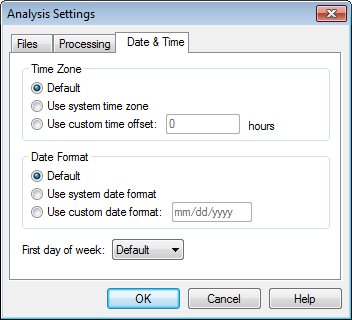
Custom date and time
settings for this profile. By default settings from the program
options are used.
|