Contents
WebLog Expert Help
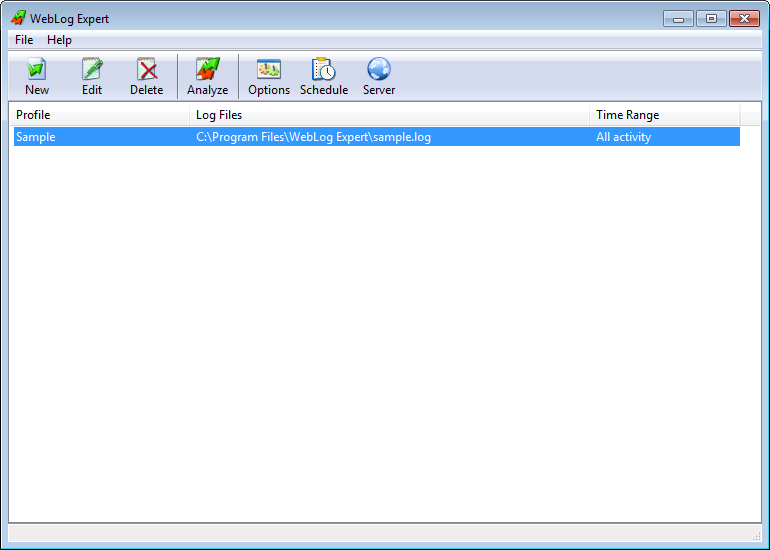
The main program window contains menu, toolbar and the list of profiles.
The toolbar contains the following buttons:
New:
Create a new profile
Edit:
Edit the selected profile
Delete:
Delete the selected profile
Analyze:
Analyze the selected profile
Options:
Change the program options
Schedule:
Edit analysis schedule
Server:
Manage the web server
You can double-click a profile in the list to analyze it.